


⚡ Jupiter PCIe 4.0 NVMe M.2 SSD with Heatsink
⚡ Jupiter PCIe 4.0 NVMe M.2 SSD with Heatsink
BUNDLE & SAVE
Couldn't load pickup availability
-
Ordered
- - -
Order Ready
- - -
Delivered

⚡ Jupiter PCIe 4.0 NVMe M.2 SSD with Heatsink
⚡ More Storage.
More Possibilities.
Upgrade your compatible PC or gaming setup with the Fentsrp Jupiter PCIe 4.0 NVMe M.2 SSD.
Designed with an M.2 2280 form factor and integrated black metal heatsink, it provides convenient internal storage expansion for compatible systems.
PCIe 4.0 ×4 · NVMe · M.2 2280
0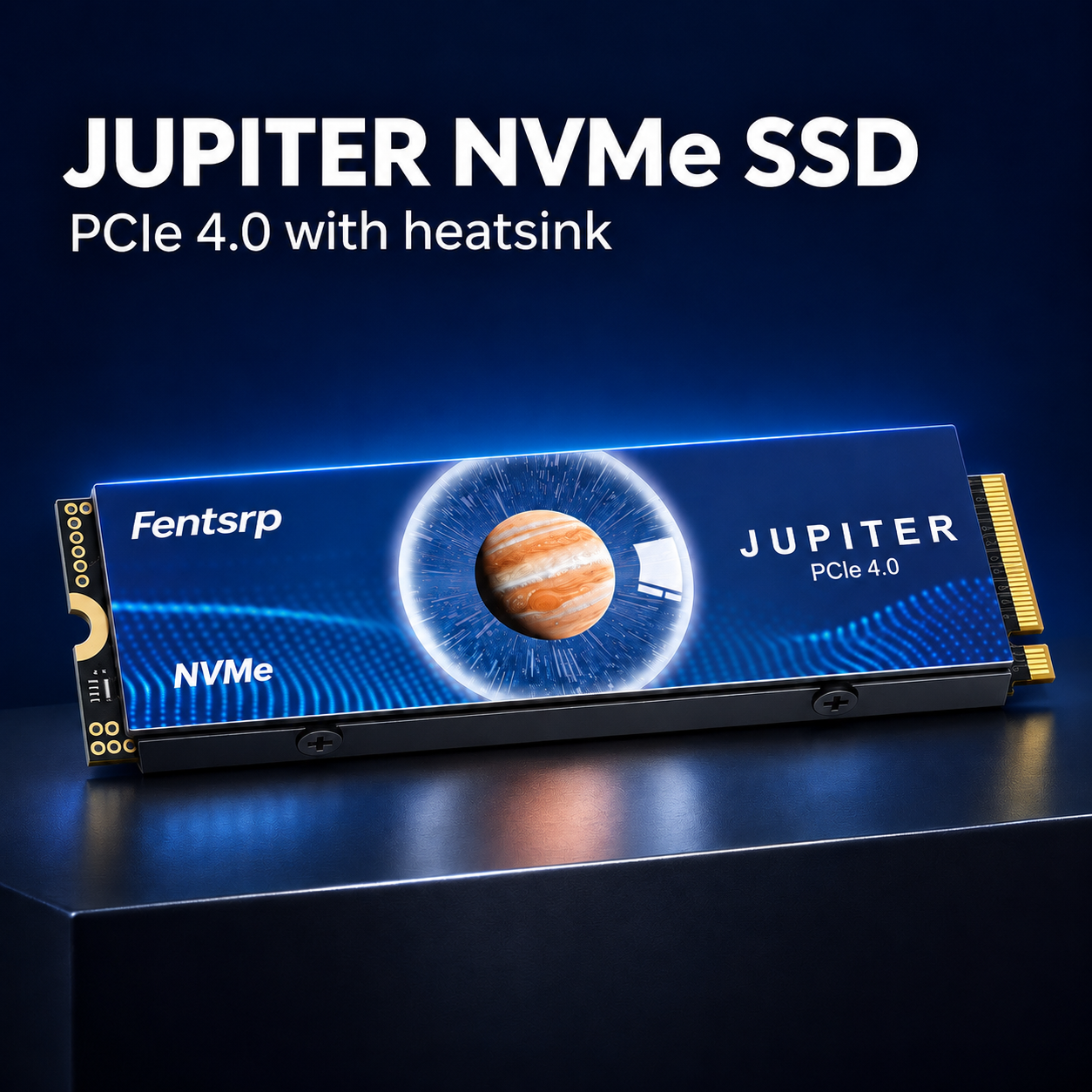
💾 Keep More of What Matters.
Games, downloads, creative projects and everyday files all need space.
Add internal storage to a compatible desktop PC or supported gaming system and keep more of your digital library readily accessible.
🎮 Gaming Libraries
Make additional room for compatible installed games.
💻 Work & Projects
Keep frequently used files and active projects together.
📁 Everyday Storage
Add space for downloads, applications and media files.
0
🚀 Built for Compatible Gen4 Systems.
The PCIe 4.0 ×4 NVMe interface is designed for compatible M.2 storage slots.
Four PCIe lanes provide the connection architecture for high-speed internal storage. Actual performance depends on the SSD configuration and host system.
✔ PCIe 4.0 ×4 interface
✔ NVMe storage protocol
✔ M.2 2280 board format
✔ Compatible-system dependent performance
❄️ Cooling Built Into the Drive.
The integrated black metal heatsink helps transfer heat away from the SSD during operation.
Its low-profile design combines the storage drive and cooling structure into one assembly.
🖤 Black Metal Housing
A sleek dark finish with a practical heatsink structure.
🌡️ Heat Dissipation Design
Designed to help manage heat generated during storage operations.
0
🖥️ Give Your PC More Room to Grow.
Build a more capable storage setup for compatible desktop computers.
Keep games, work files and frequently accessed content on an internal NVMe drive.
Before installation, confirm that your motherboard supports PCIe NVMe M.2 2280 drives.

📏 Make Sure the Fit Is Right.
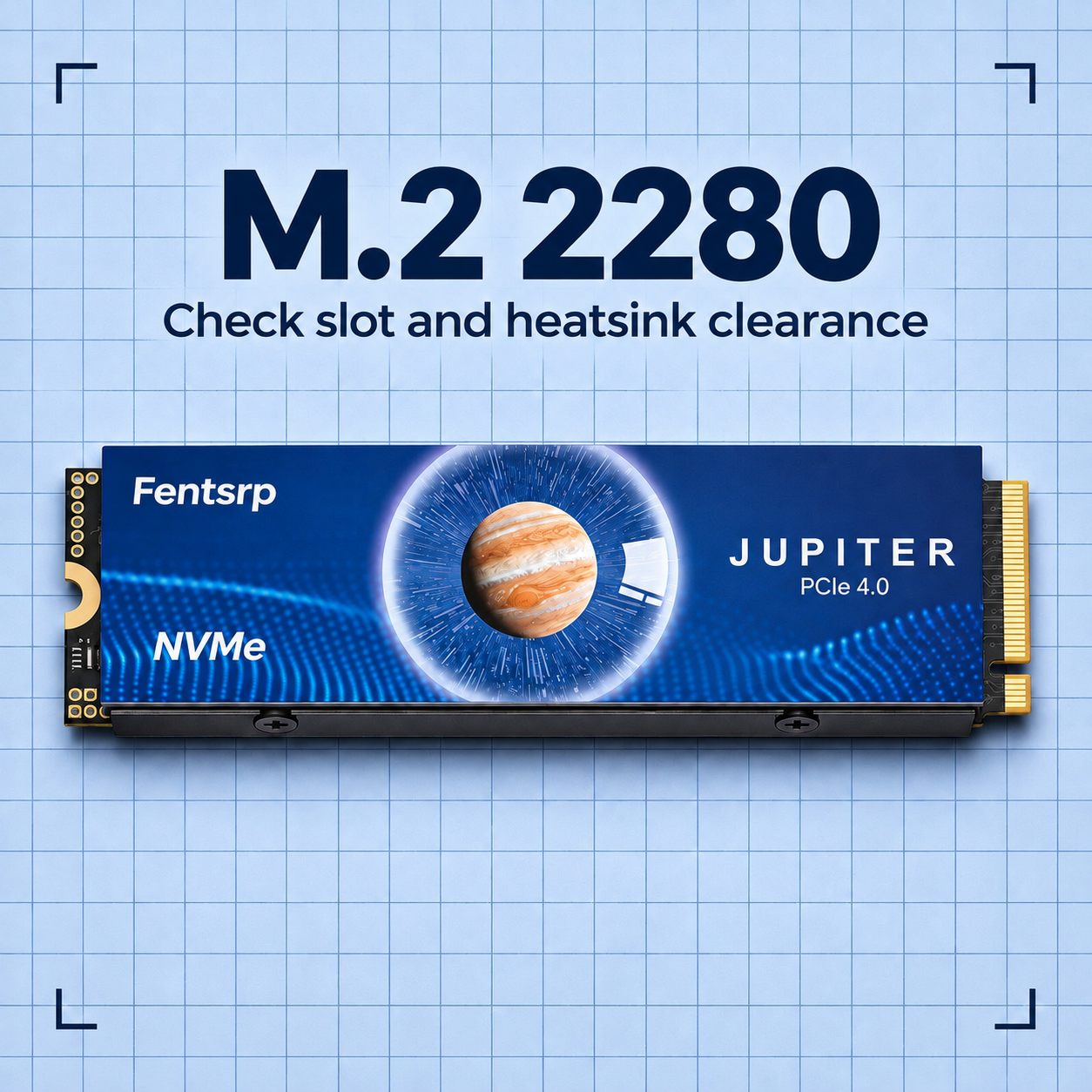
This drive uses the M.2 2280 physical form factor. Check your device's slot, interface and available clearance before purchasing.
01 · M.2 2280
The board measures approximately 22 mm wide × 80 mm long.
02 · PCIe NVMe Support
Confirm that your motherboard or device has a compatible PCIe NVMe M-key slot.
03 · Heatsink Clearance
Check the available space around the M.2 slot to ensure the installed heatsink fits.
💾 Pick the Capacity That Fits Your Needs.
Different users need different amounts of storage. Choose the available capacity that suits your games, applications and files.
500GB — Everyday essentials
1TB — More room for games and files
2TB — Larger digital libraries
4TB — Expanded storage needs
8TB — High-capacity storage option
🔧 Get Ready for Your Storage Upgrade.
01 · Check Your Device
Confirm M.2 2280 and PCIe NVMe compatibility before installation.
02 · Power Down
Shut down the computer and disconnect its power source. Follow the device manufacturer's safety instructions.
03 · Install the Drive
Carefully insert the SSD into the compatible M.2 slot and secure it according to the motherboard guide.
04 · Initialize Storage
Start the system and follow the operating system's instructions to initialize and format the new drive if required.
Professional installation is recommended if you are unfamiliar with computer hardware.
✨ Designed for Your Storage Upgrade.
✔ PCIe 4.0 ×4 NVMe interface
✔ M.2 2280 compact form factor
✔ Integrated black metal heatsink
✔ Internal storage expansion
✔ Multiple capacity choices
✔ Suitable for compatible desktop systems
✔ Designed for compatible gaming systems
✔ Sleek Jupiter-inspired blue design
📋 Technical Specifications.
Brand |
Fentsrp |
Series |
Jupiter |
Product Type |
Internal NVMe SSD |
Form Factor |
M.2 2280 |
Interface |
PCIe 4.0 ×4 NVMe |
Cooling |
Integrated Black Metal Heatsink |
Capacities |
500GB / 1TB / 2TB / 4TB / 8TB |
Installation |
Compatible M.2 NVMe Slot |
Package |
One SSD in Selected Capacity |
Actual sequential read/write speeds, NAND type, controller, endurance, warranty and exact dimensions should be confirmed with the manufacturer.
🎮 Expand Compatible Console Storage.
This SSD is presented for use with compatible PS5 M.2 expansion bays. Confirm the exact console model's storage requirements before purchasing.
Check the Total Dimensions
Sony specifies a maximum width of 25 mm and total thickness of 11.25 mm, including the heatsink.
Check PCIe Requirements
Confirm the drive's actual performance and compatibility against the console manufacturer's current requirements.
Compatibility is not guaranteed for every console configuration. PlayStation and PS5 are third-party trademarks and are used only to describe compatibility.
❓ Before You Buy.
What type of M.2 slot does this SSD need?
It requires a compatible PCIe NVMe M-key M.2 slot with support for the M.2 2280 format.
What does M.2 2280 mean?
M.2 2280 refers to the board's physical dimensions: approximately 22 mm wide and 80 mm long.
Does it include a heatsink?
Yes. This version is described as having an integrated black metal heatsink.
Can I use it in a desktop PC?
Yes, provided your motherboard supports a compatible PCIe NVMe M.2 2280 drive and has sufficient heatsink clearance.
Can it be used in a PS5?
It may be suitable for a compatible PS5 expansion bay, subject to the console's interface, performance and total heatsink dimension requirements.
Why does my computer show less storage?
Some operating systems display storage capacity using different unit calculations. Formatting also uses a small amount of storage space.
Does it include installation tools?
The listed package includes one SSD in the selected capacity. Confirm additional accessories with the supplier.
⚡ Make Room for What's Next.
Give your compatible PC or gaming setup additional internal storage with the Fentsrp Jupiter NVMe SSD.
PCIe 4.0 ×4 · M.2 2280 · Integrated Heatsink


